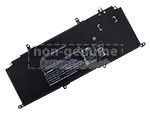
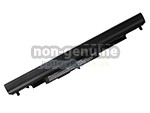
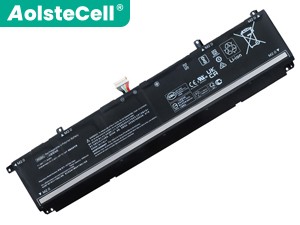
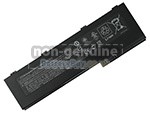
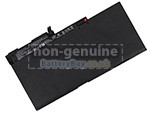
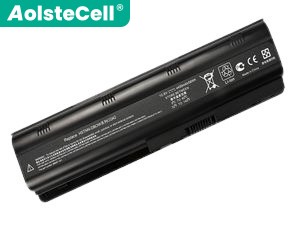
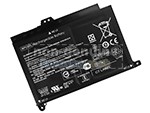
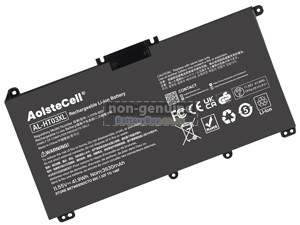
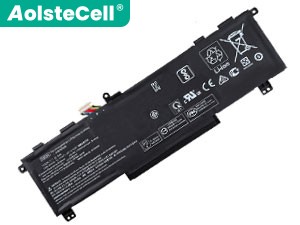
Replacement Battery for HP Chromebook 15-NB0502SA (58.84Wh, 3 cells)
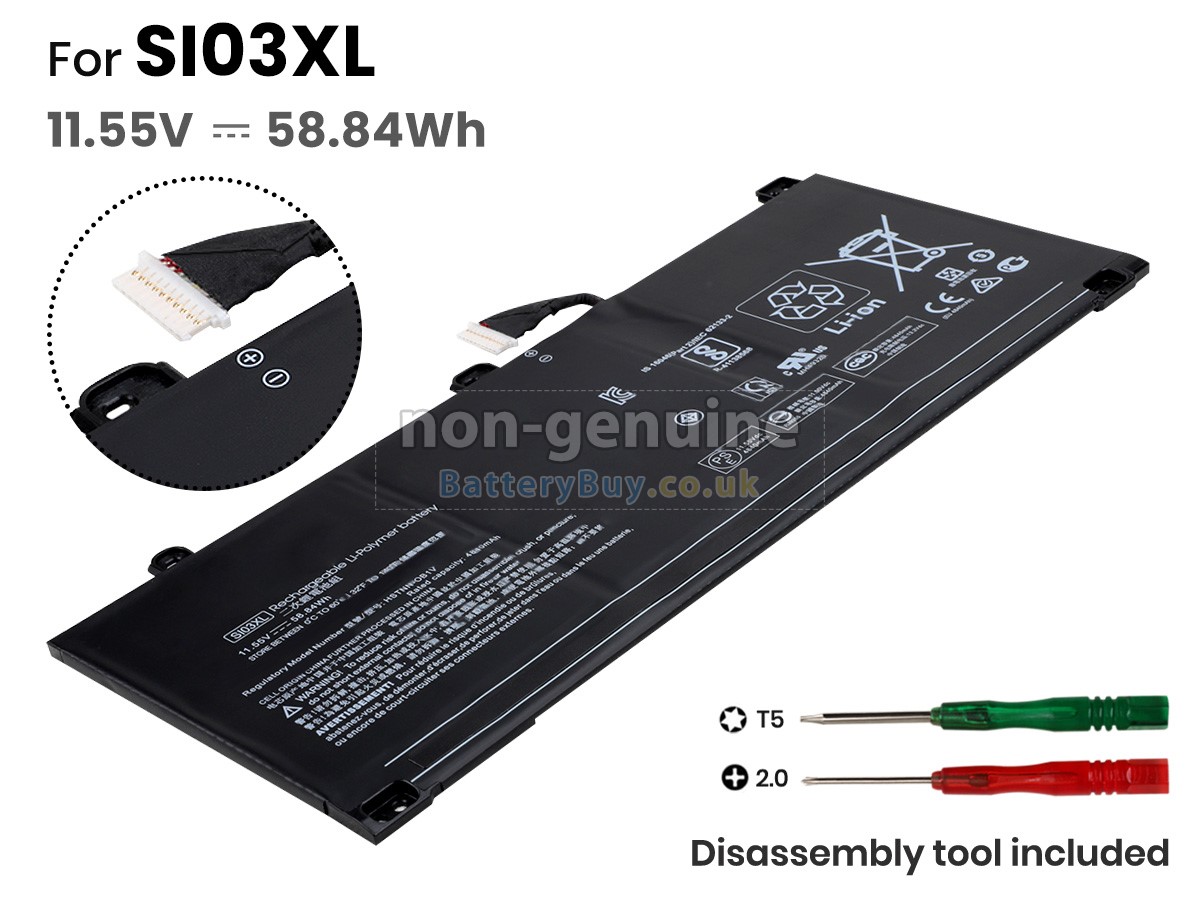
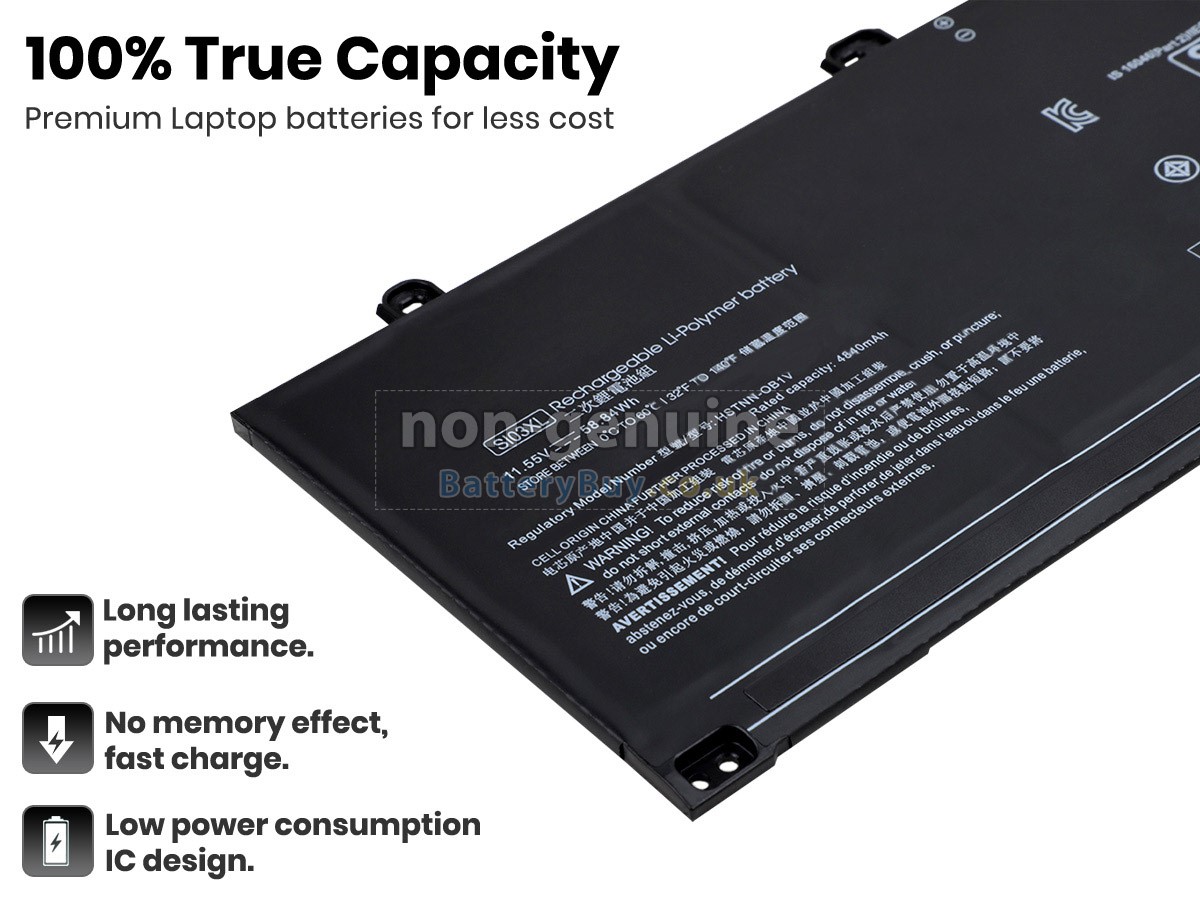
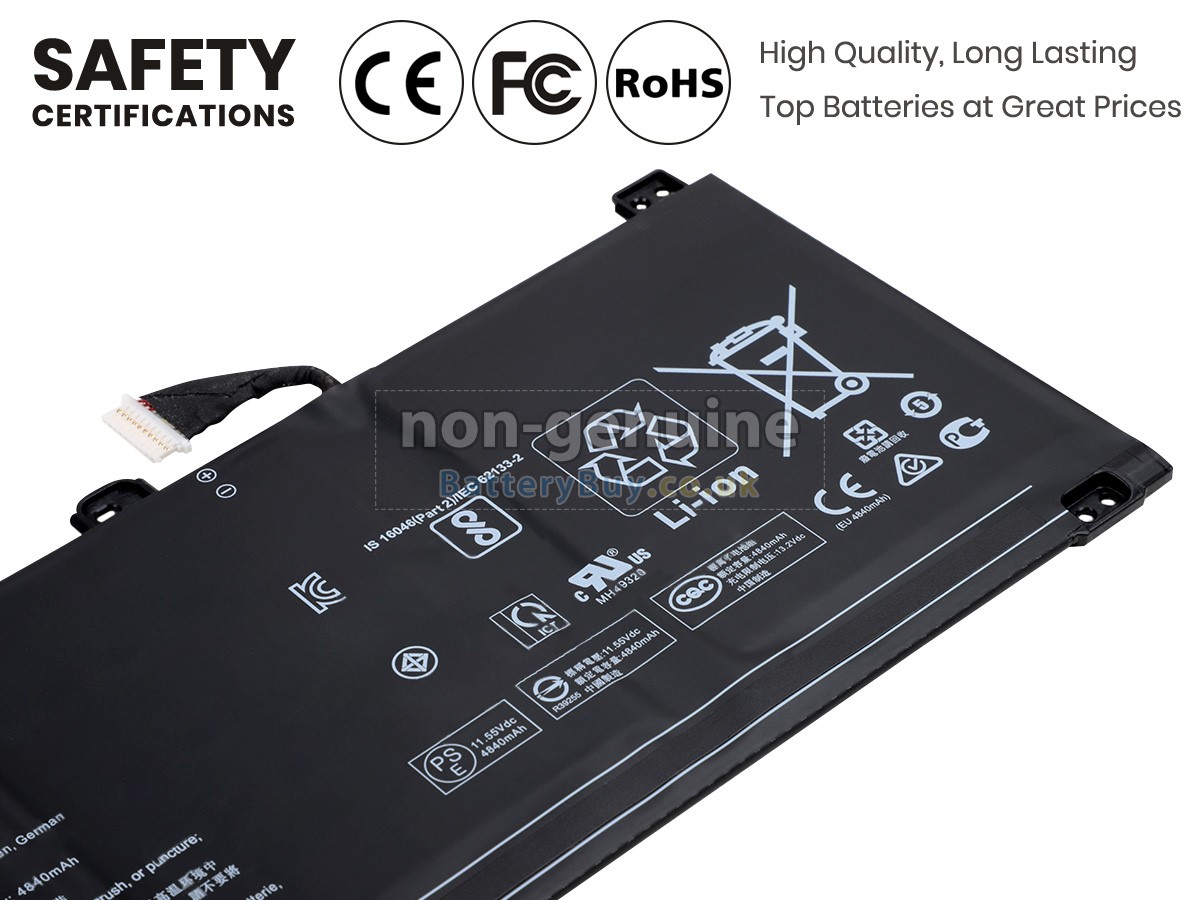
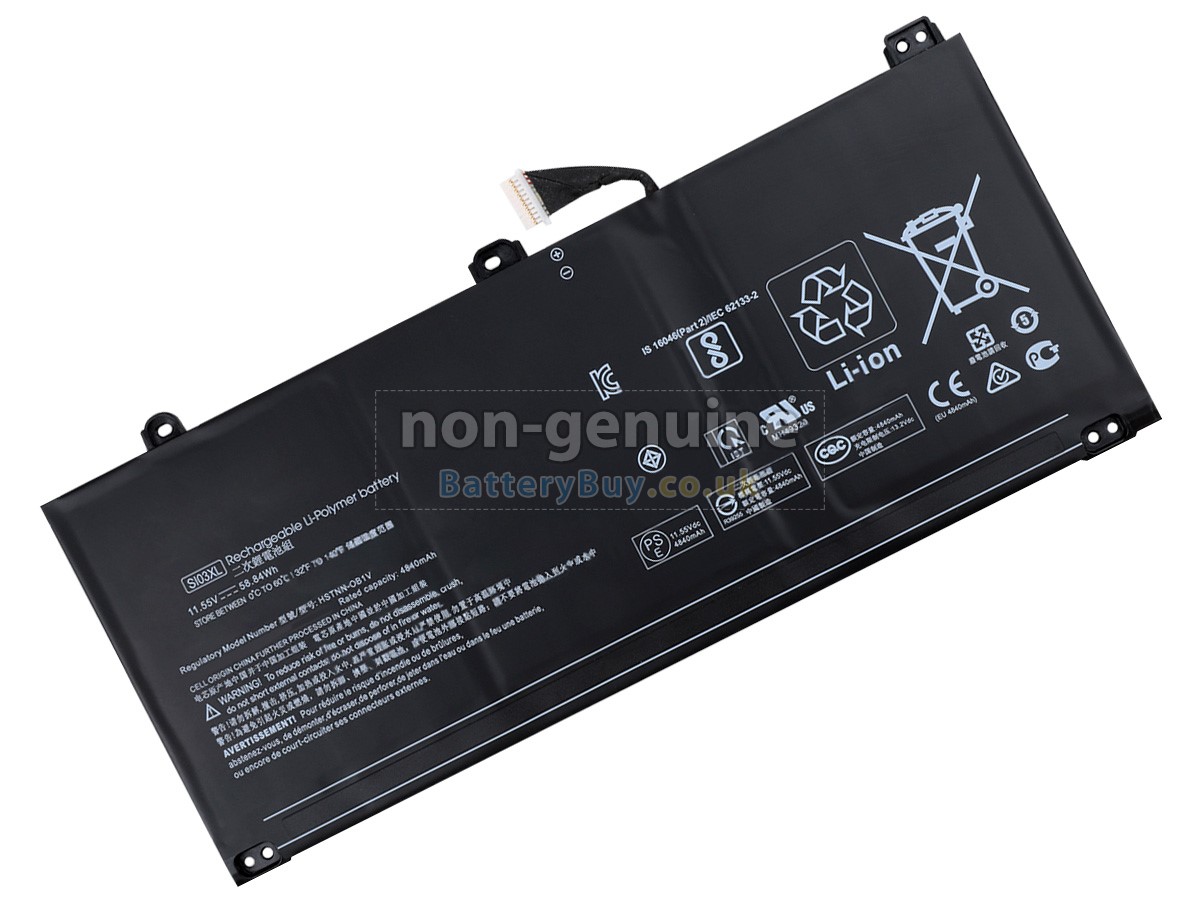
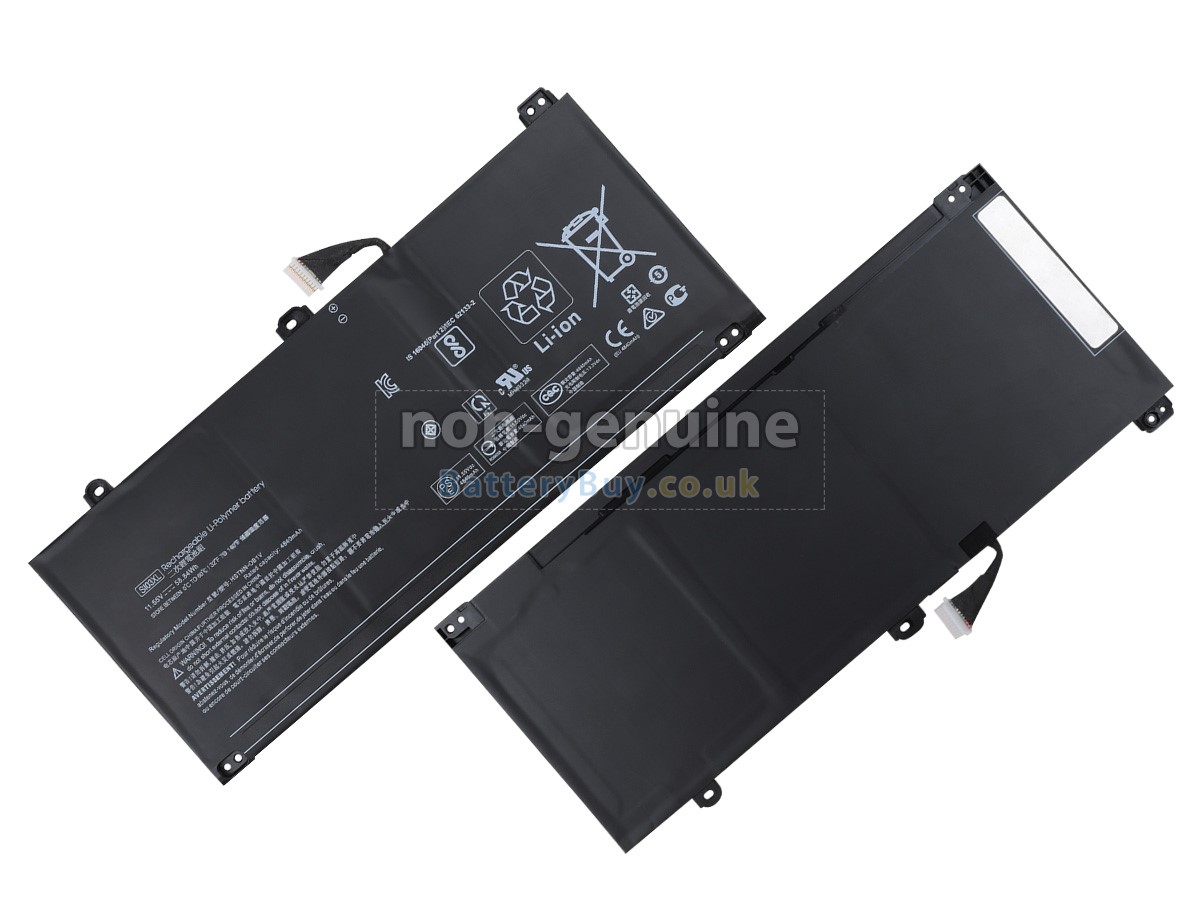


- SKUBBU1859
- ConditionReplacement, Brand New
- Voltage11.55V
- Capacity58.84Wh
- Number of Cells3 cells
- Cell TypeLi-Polymer
- ColourBlack
- Size*mm(L x W x H)
- Warranty1 Year
- AvailabilityIn Stock
Product Features
Reliable Performance, Certified Safety Standards
Restore your laptop's stamina with this premium replacement battery for HP Chromebook 15-NB0502SA. Engineered with top-tier Li-Polymer cells from industry leaders, this 58.84Wh battery delivers stable voltage output and prolonged runtime, performing seamlessly as a perfect match for your original hardware.
- Premium Cycle Life: Built to withstand more than 600 charge/discharge cycles without sudden capacity drops.
- Rugged Enclosure: The outer casing is moulded from flame-retardant, high-impact ABS plastic to safeguard internal components against minor drops and thermal buildup.
- International Compliance: Fully compliant with strict global manufacturing standards and certified by UKCA, CE, UL, and RoHS for verified operational safety.
Every single HP Chromebook 15-NB0502SA battery undergoes rigorous charging and performance testing prior to dispatch from our warehouse. To ensure a risk-free shopping experience, your purchase is backed by a comprehensive 1-Year Warranty and a 30-Day Money-Back Guarantee policy. If you have any questions regarding model cross-compatibility, our dedicated customer support team is always ready to assist.
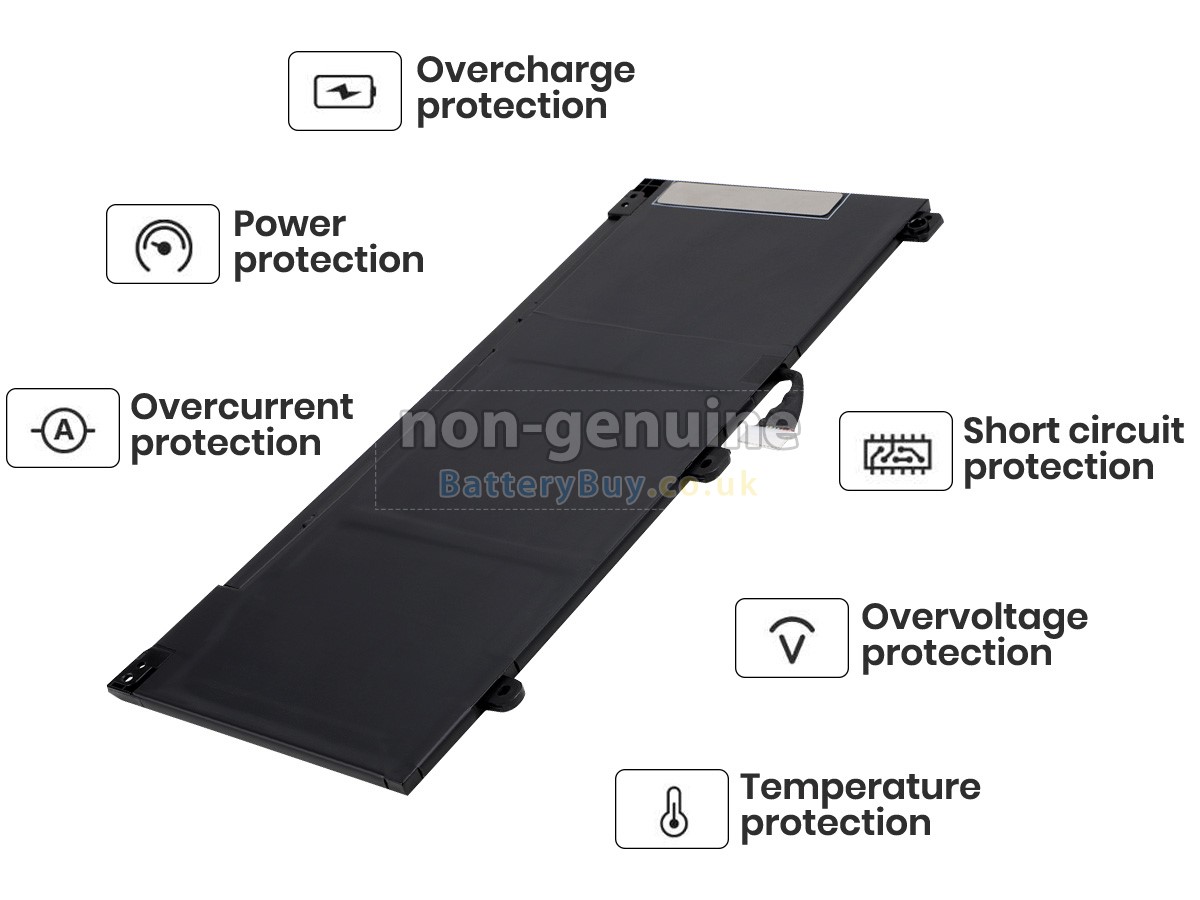
Multiple Intelligent Protection
- INTELLIGENT PROTECTION
- VOLTAGE PROTECTION
- SHORT CIRCUIT PROTECTION
- ESD PROTECTION
- OVER HEAT PROTECTION
- OVER (DIS)CHARGE PROTECTION
- CHARGING TIME PROTECTION
- CLASS A PROTECTION
Why Choose Our HP Chromebook 15-NB0502SA Replacement Battery?
This premium replacement battery is engineered to meet or exceed original HP specifications, utilising Grade-A Samsung, Panasonic, or LG cells. Rigorously tested for safety and multi-protocol compatibility, it delivers dependable power that matches UK operational standards perfectly.
Original vs BatteryBuy Replacement
| Specification & Service | Original HP Battery | BatteryBuy Replacement |
|---|---|---|
| Capacity | OEM Standard | 58.84Wh (Matching or Higher) |
| Warranty Protection | Typically 6 Months | 1 Full Year Warranty |
| Price Investment | High OEM Premium Cost | £31.07 |
| Installation Toolkit | Not Included (Sold Separately) | Free Complimentary Toolkit Included |
| Quality Control Check | Standard Factory Batch Testing | 100% Individually Tested Before Dispatch |
| Legacy Model Support | Often Discontinued Over Time | Reliable Stock for Older & Newer Models |
Compatible HP Part Numbers
Compatible HP Laptop Models
- Chromebook 15-nb0502sa
- Chromebook 14 INCH 14B-NB0000
- Chromebook 14B-NA0002AU
- Chromebook 14B-NA0099AU
- Chromebook 15A-NB0502SA 8D0F1EA
- Chromebook X360 14C-CC0000
- Chromebook X360 14C-CC0000NI
- Chromebook X360 14C-CC0000NS
- Chromebook X360 14C-CC0000SL
- Chromebook X360 14C-CC0001NI
- Chromebook X360 14C-CC0002TU
- Chromebook X360 14C-CC0003NF
- Chromebook X360 14C-CC0003SA
- Chromebook X360 14C-CC0003TU
- Chromebook X360 14C-CC0006NB
- Chromebook X360 14C-CC0006TU
- Chromebook X360 14C-CC0012TU
- Chromebook X360 14C-CC0013NF
- Chromebook X360 14C-CC0060NG
- Chromebook X360 14C-CC0075NG
- Chromebook X360 14C-CC0205ND
- Chromebook X360 14C-CC0295NG
- Chromebook X360 14C-CC0355NG
- Chromebook X360 14C-CD0000CA
- Chromebook X360 14C-CD0013DX
- Chromebook X360 14C-CD0053DX
- Chromebook X360 14CT-CD000
- Elite C645 14 INCH G2 Chromebook
- Pro C640 G2 Chromebook
Shipping Methods

Payment Methods

Warranty
1-Year Warranty Coverage
Every HP Chromebook 15-NB0502SA laptop battery is backed by a comprehensive 1-year warranty. This coverage applies provided the battery has been correctly installed and operated under normal usage conditions as recommended by the manufacturer.
30-Day Money-Back Guarantee
To ensure your complete peace of mind, we offer a 30-day money-back guarantee in addition to our standard warranty for defects.
Please Note: To qualify for a refund, you must contact our customer support team first to receive official return instructions before sending any products back.
Returns
If you encounter any operational issues with a battery purchased from us, please contact us immediately. Our team will review your case and attempt to resolve the issue remotely. If the problem cannot be fixed through troubleshooting, we will generate a Return Merchandise Authorization (RMA) number for your case.
Upon receipt and technical inspection of the returned item, if it is confirmed defective, a brand-new replacement battery will be dispatched to you at no additional charge.
Important RMA Notice: We are strictly unable to process, accept, or refund any returned parcels that do not feature a pre-authorised RMA number.
Frequently Asked Questions
A: Compare your existing battery part number, laptop model and the product specifications with the compatibility information provided on this page. We also recommend checking the product images to ensure the battery shape and connector layout match your original HP Chromebook 15-NB0502SA battery. If you are unsure, please contact our customer support team before placing your order.
A: No. This is a high-quality compatible replacement battery designed to meet or exceed OEM performance standards. It is fully compatible with the supported laptop models listed on this page and provides a reliable, cost-effective alternative to the original battery.
A: Yes, slight technical variances are standard across the replacement industry and are fully managed by your device. Please note the following guidelines:
- Capacity (mAh/Wh): A higher or different capacity rating is completely safe. It simply represents the total energy storage capacity—higher ratings mean longer runtime and will not overload your system.
- Voltage (V): Minor voltage differences (such as 10.8V vs 11.1V, or 14.4V vs 14.8V) are entirely normal. These variances depend on the specific cell chemistry configuration used during manufacturing and fall safely within your laptop's built-in voltage regulator tolerances.
- The Key Rule: The critical factor is that the physical shape, mounting clips, or screw holes must match your original Chromebook 15-NB0502SA battery.
A: Maintaining battery longevity relies on a few fundamental, cross-generation practices that prevent rapid degradation:
- Temperature Management: Keep your laptop's ventilation vents unobstructed. Excessive heat is the primary accelerator of battery degradation, so avoid using the device on soft surfaces like beds or carpets.
- Long-Term Storage Settings: If the laptop or the battery will remain unused for more than a month, charge or discharge it to around 40-50% capacity. Store it in a cool, dry place, as storing it completely empty or fully charged for long periods permanently degrades cell capacity.
- Power Optimization: Utilise your operating system's built-in power-saving profiles to minimise unnecessary power draw and reduce total charge cycles over time.
Best Selling Batteries