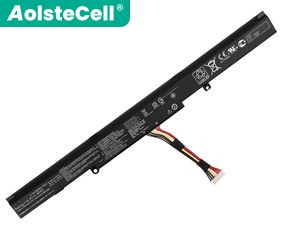
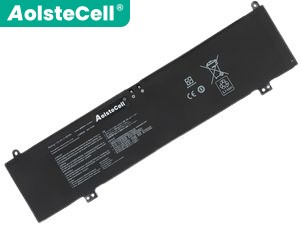
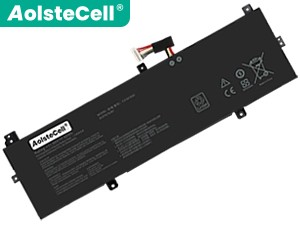
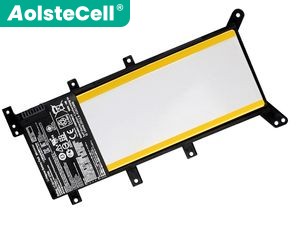
Replacement Battery for Asus C21N1818-3 (32Wh, 2 cells)
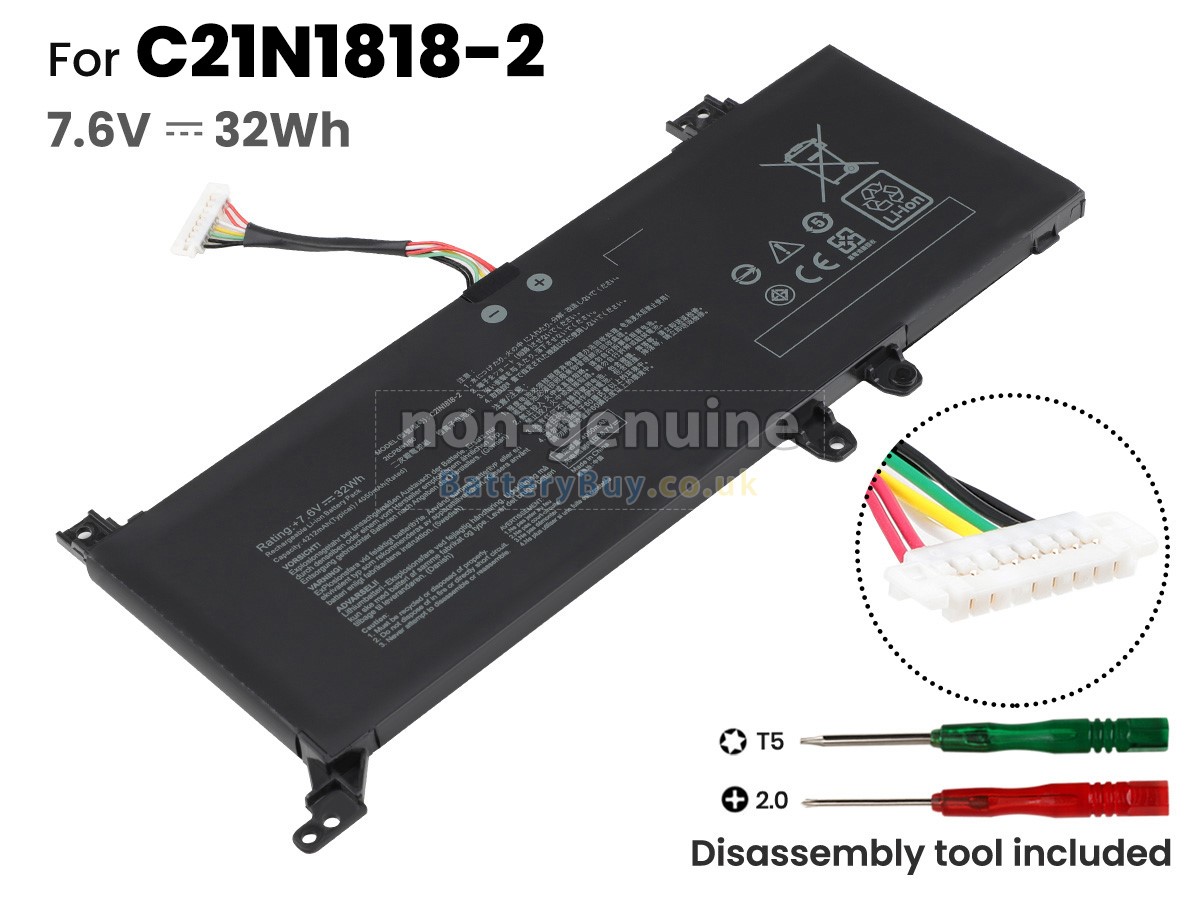
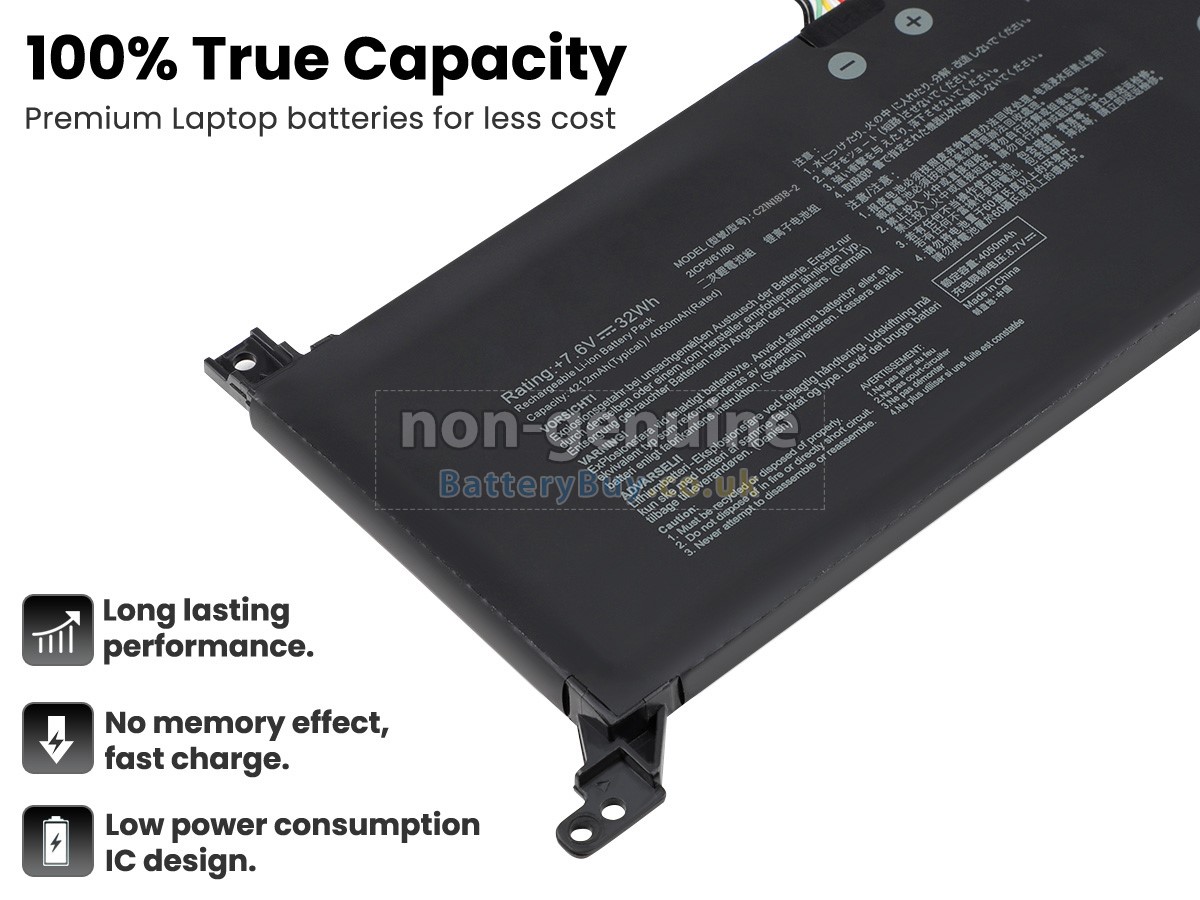
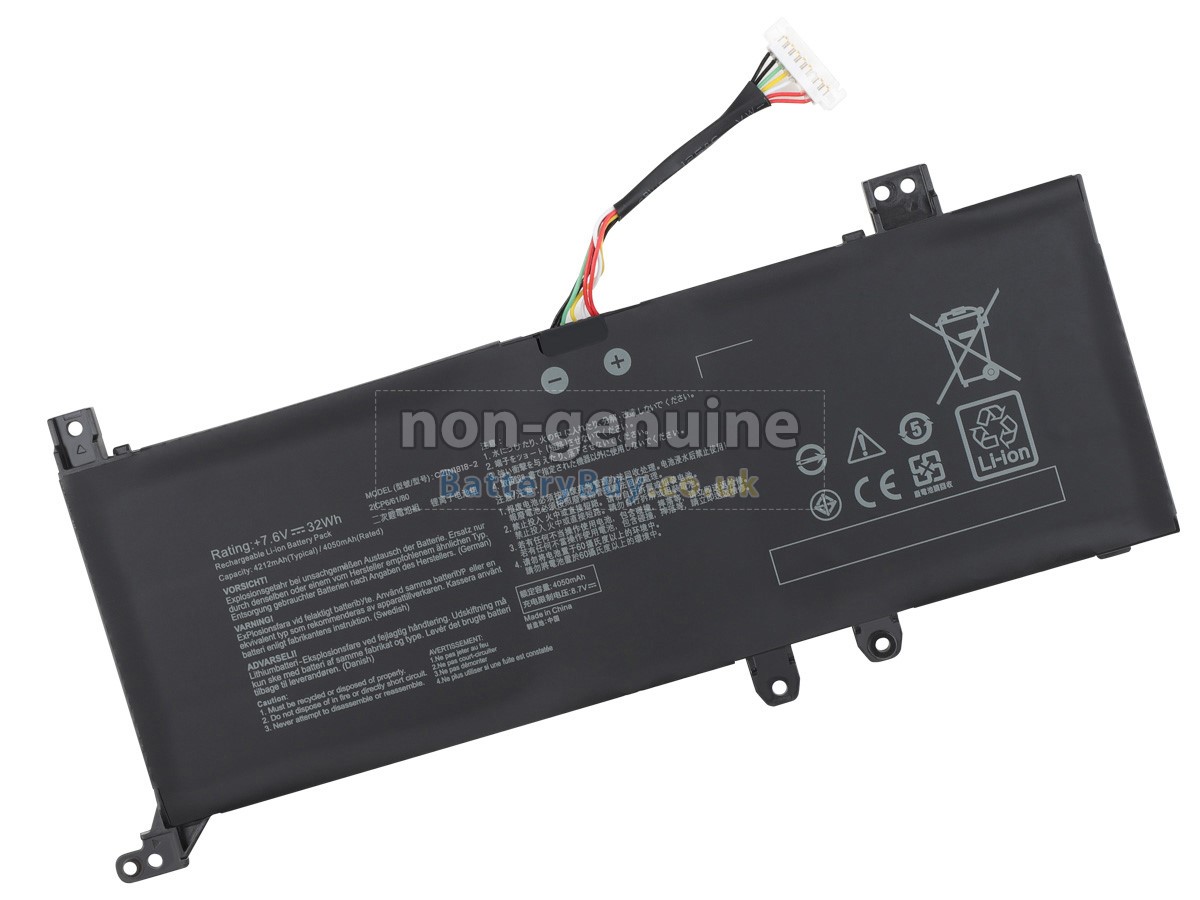
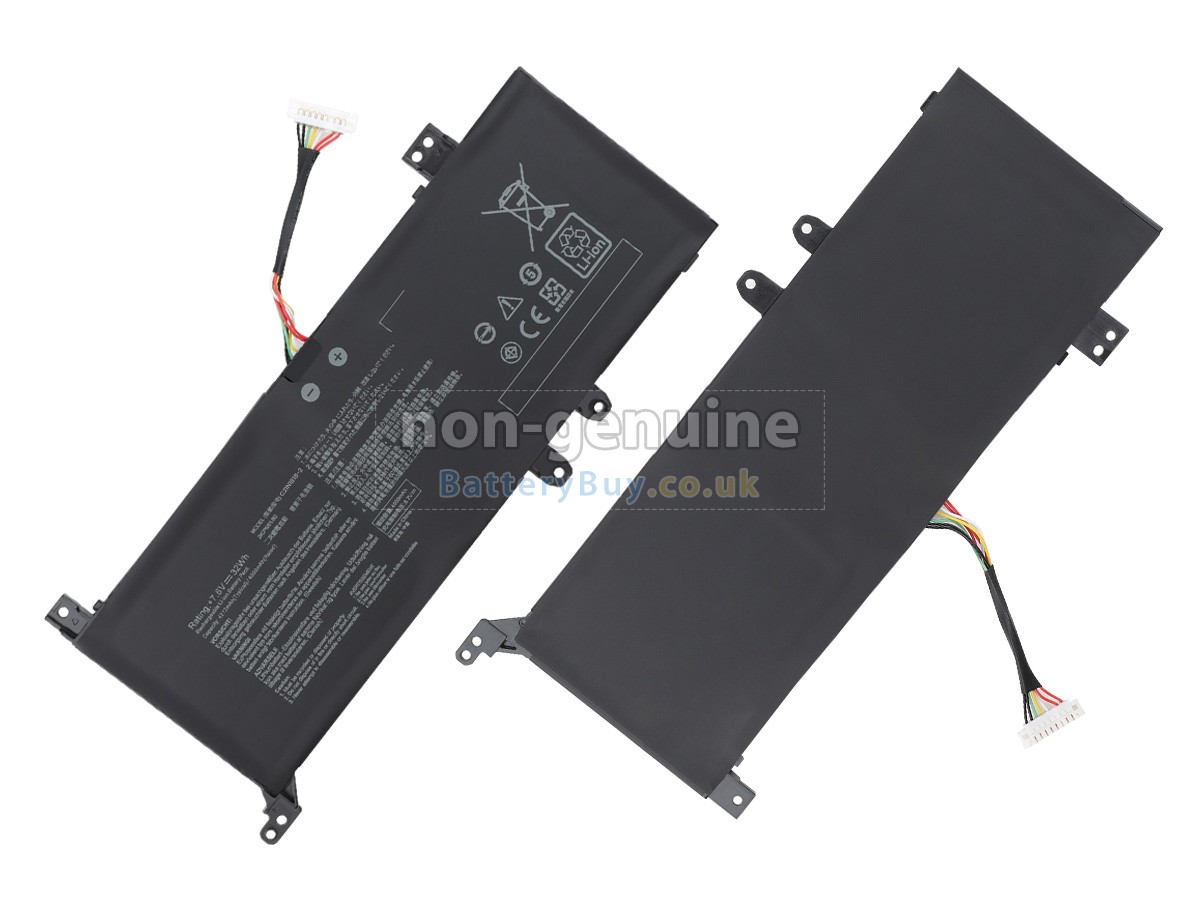
 There are 2 types battery, before placing an order please ensure your old battery model name is [C21N1818-2], not [C21N1818] or [C21N1818-1].
 - SKUBBU1969
- ConditionReplacement, Brand New
- Voltage7.6V
- Capacity32Wh
- Number of Cells2 cells
- Cell TypeLi-Polymer
- ColourBlack
- Size*mm(L x W x H)
- Warranty1 Year
- AvailabilityIn Stock
Product Features
Excellent Quality,International Standards
BatteryBuy.co.uk is your best choice of high quality Asus laptop batteries! The brand new 32Wh(2 cells) replacement Asus C21N1818-3 Li-Polymer battery is made with superior quality cells from Samsung, Panasonic and LG to ensure the best performance. Asus C21N1818-3 battery case is made of non-flammable and durable plastic, which is fire-retarded and non-perishable when dropped from low heights.
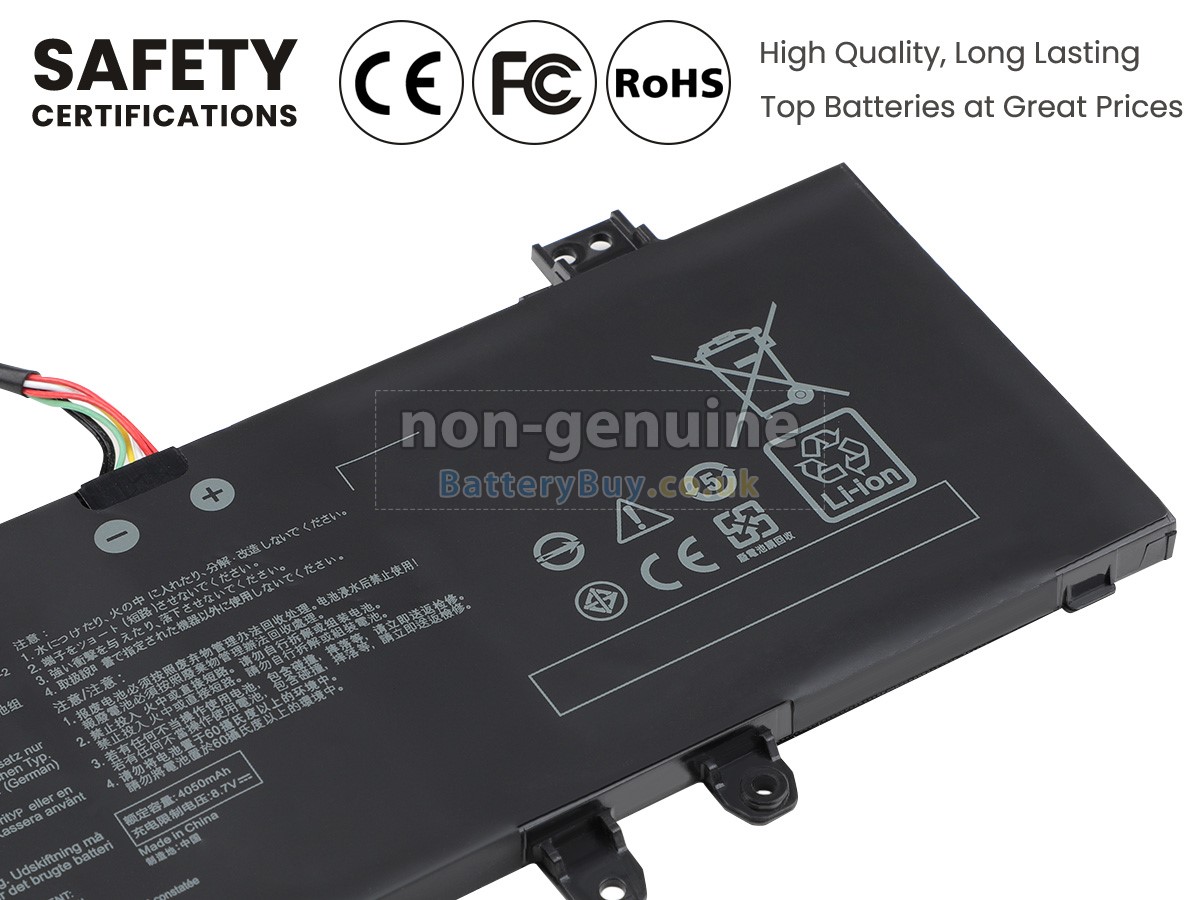
We are very strict with the safety requirements. Every our high-grade replacement battery for Asus C21N1818-3 laptop has been tested to prove that they can match or surpass original Asus battery performance and be 100% compatible with Original Manufacturer Specifications. In compliance with international standards, they have obtained a series of rigorous safety certifications such as CE, UL, ROHS, ISO9001/9002. In general, this replacement Asus C21N1818-3 battery can be charged/discharged up to more than 600 cycles.
Buy with Confidence! All our Asus C21N1818-3 batteries carry a One-Year warranty and a 30-day money back guarantee if you are not completely satisfied. What’s more, Each Asus C21N1818-3 battery will be charged and tested before shipment. When you buy our products, you're buying trust! If you have any question, please contact us freely! It is our pleasure to help you solve problems.
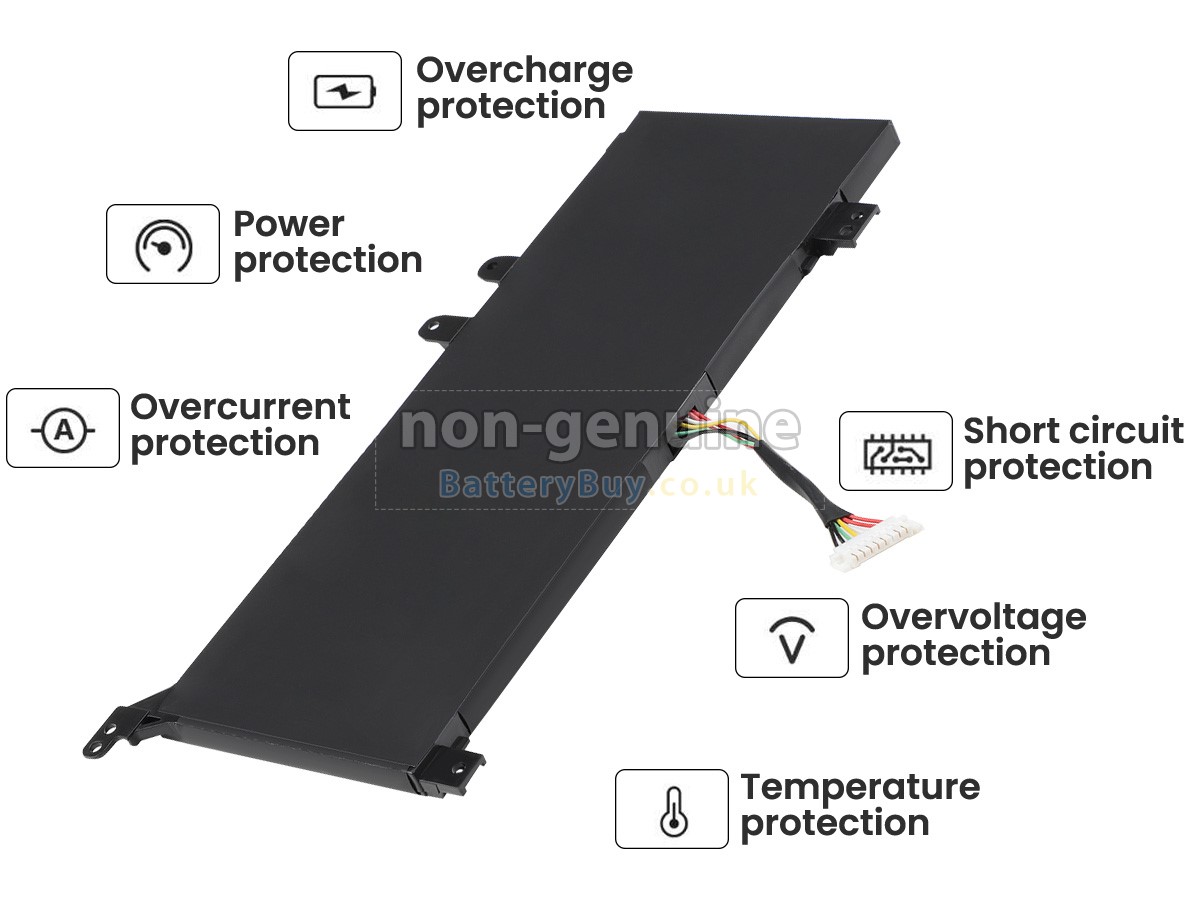
Multiple Intelligent Protection
- INTELLIGENT PROTECTION
- VOLTAGE PROTECTION
- SHORT CIRCUIT PROTECTION
- ESD PROTECTION
- OVER HEAT PROTECTION
- OVER (DIS)CHARGE PROTECTION
- CHARGING TIME PROTECTION
- CLASS A PROTECTION
Product Larger Images
Compatible Asus Part Numbers
- c21n1818-3
- 0B200-03450000
Compatible Asus Laptop Models
- A509DA-EJ395T
- A509FA-EJ724T
- D509DA-EJ051T
- EXPERTBook P1510CDA-EJ1378R
- M509DJ-BQ004
- P1503DA-BR930R
- R509DA
- R509JA-EJ133T
- R509JA-EJ424T
- S509DA-EJ298T
- VivoBook 14 F409DA
- VivoBook 14 F409FB
- VivoBook 14 F409JA-EK049T
- VivoBook 14 F409MA
- VivoBook 14 M409BA-BV156T
- VivoBook 14 M409BA-BV411T
- VivoBook 14 X409FA
- VivoBook 15 F509FA-EJ501T
- VivoBook 15 X509UA
- VivoBook 15 X509UA-EJ071T
- VivoBook 15 X509UB-EJ009T
- VivoBook 15 X545FA-EJ085T
- VivoBook A409FJ-EK502T
- VivoBook R409BA
- VivoBook R509FA-EJ927T
- VivoBook R521FL-EJ287T
- VivoBook R521JA-EJ113T
- VivoBook R524JA
Shipping Methods

Payment Methods

Warranty
1-Year Warranty
All our high quality replacement batteries for Asus C21N1818-3 laptop come with a 1-year warranty. Warranty is applicable if the buyer has installed the battery properly in the device and has treated the battery correctly.
30-Day Money Back Guarantee
Our goal is to turn customer satisfaction into ‘Complete Customer Satisfaction’. That's why we offer you a 30-day money back guarantee, on top of our warranty and RMA procedure for defects!
Please note: in order to qualify to get your money back, you must first contact us and await instructions before sending back your product.
Returns
If you have a problem with one battery which bought from us, please contact us first. We will process your request and try to find a solution for your problem. If the problem cannot be fixed by our technical support engineer, we will generate an RMA number (Return Material Authorization) for you. If inspection concludes that the returned battery is defective, a new battery will be shipped out without extra charge.
Please note: we cannot process returned batteries if you have not yet received an RMA number.
FAQs
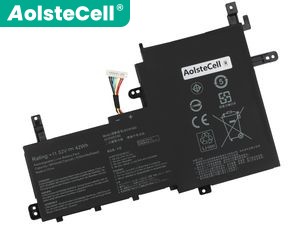
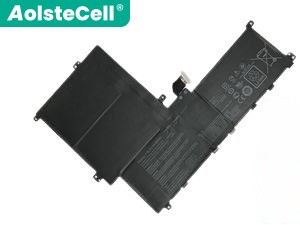
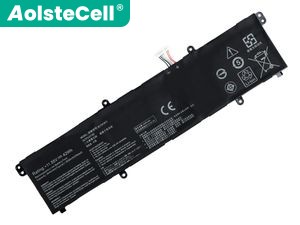
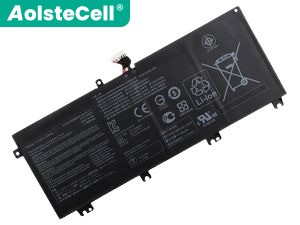
A: First, find out your old battery part number (e.g. 'Asus C21N1818-3') or the model name of laptop and then match with our product compatibility table. Second, please compare your old battery with our product images to make sure their shapes are the same. Lastly, check the voltage (rating) is the same as the old one. For more details please click How to find one correct battery for my laptop?
A: There is no need to charge your new Asus C21N1818-3 battery for 12 hours for the first time use, because lithium-ion battery is with no memory effect. So you only need to charge and discharge it normally. What’s more, you should avoid recharging it till exhausting battery power, because it will bring to much damage. Therefore you have to charge it when remaining power is nearly 10-20%. Additionally, if your battery has not been used for a long time, please charge it once a month, keep the remaining power about 40% and then store it in a dry and cool environment.
A: In general, it will not cause any damage without removing battery when the laptop connects the power supply. The battery will not be charged anymore after it is fully charged. On the contrary, it will turn to the use of power supply system. However, when your laptop has run for a long time at high speed, you’d better remove battery out of laptop due to the internal overheating.
1 Avoid Full Discharges.
2 Tweak Your Built-In Power Saving Options.
3 Disable unnecessary programs that draw energy from your notebook.
4 Adjust the brightness of your laptop display as much as possible within an acceptable range.
5 Keep your laptop and battery in a cool dry place (heat may destroy a battery).
Best Selling Batteries