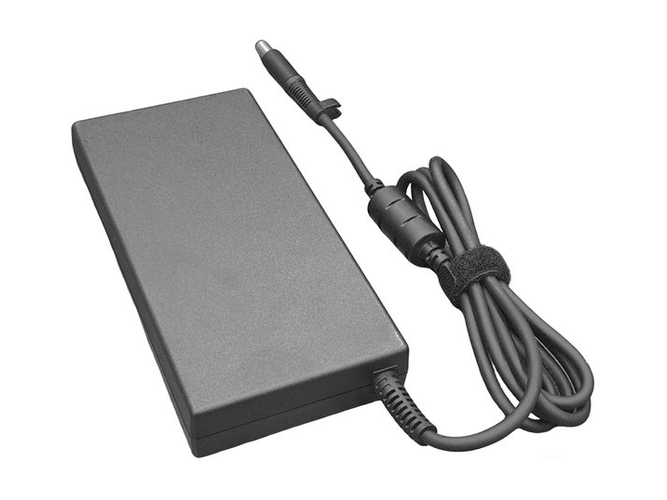
Power Adapter for HP ELITE X360 1040 14 INCH G11 2-IN-1 (65W)
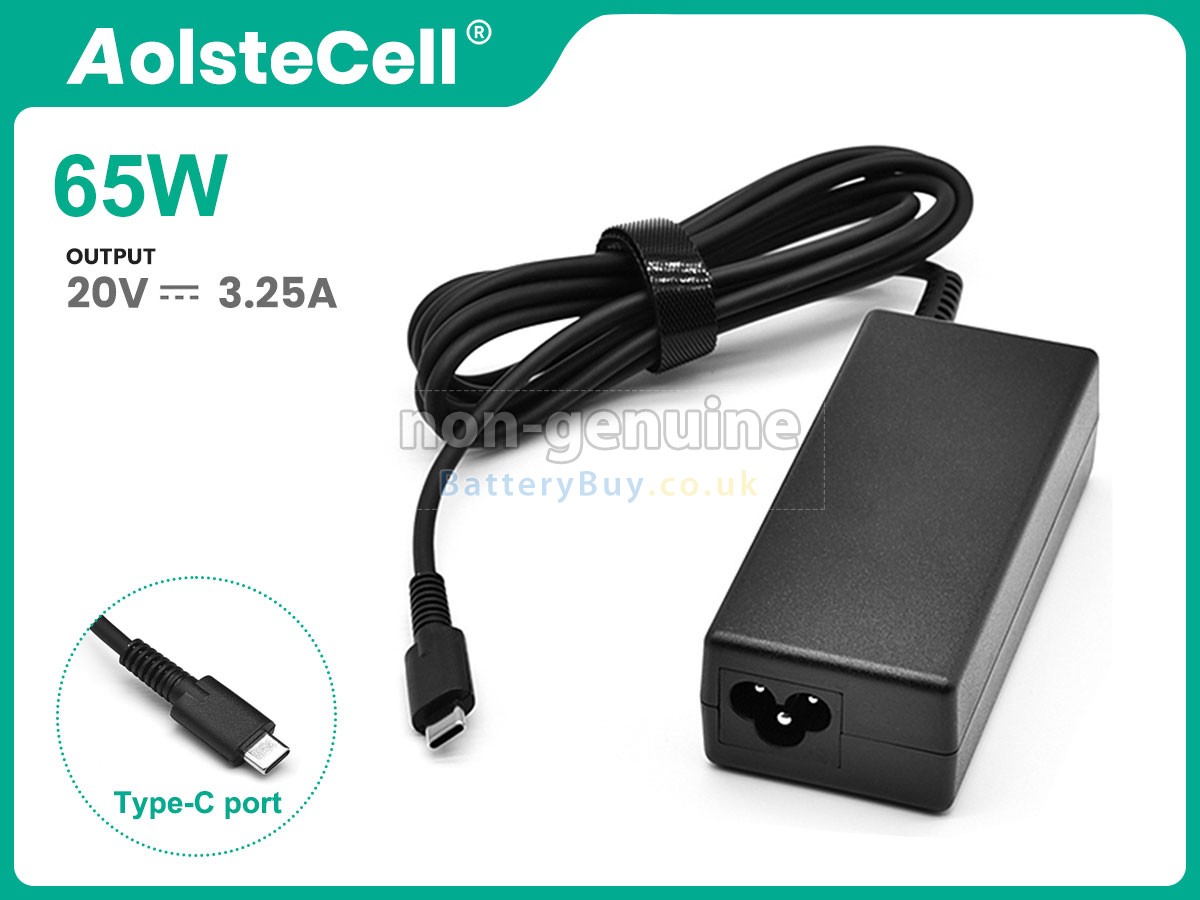
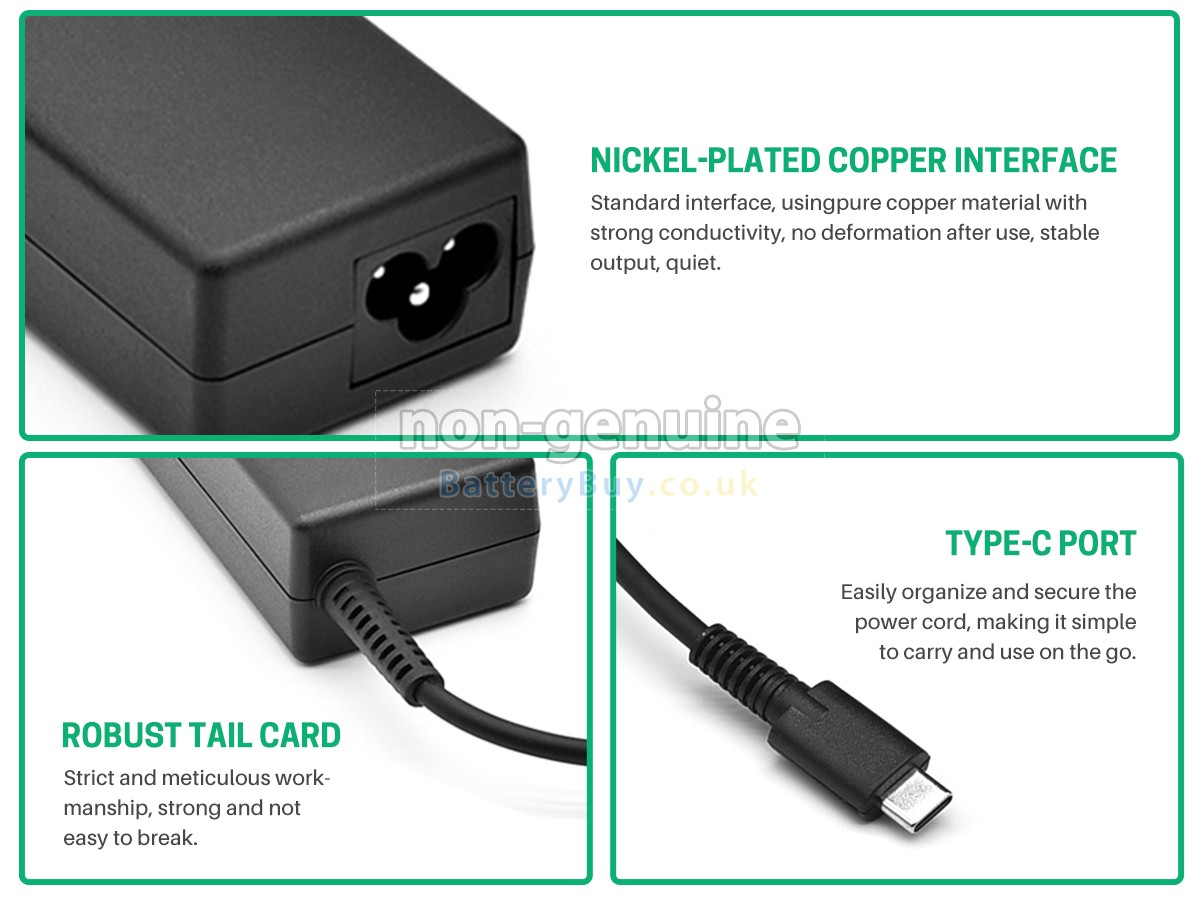
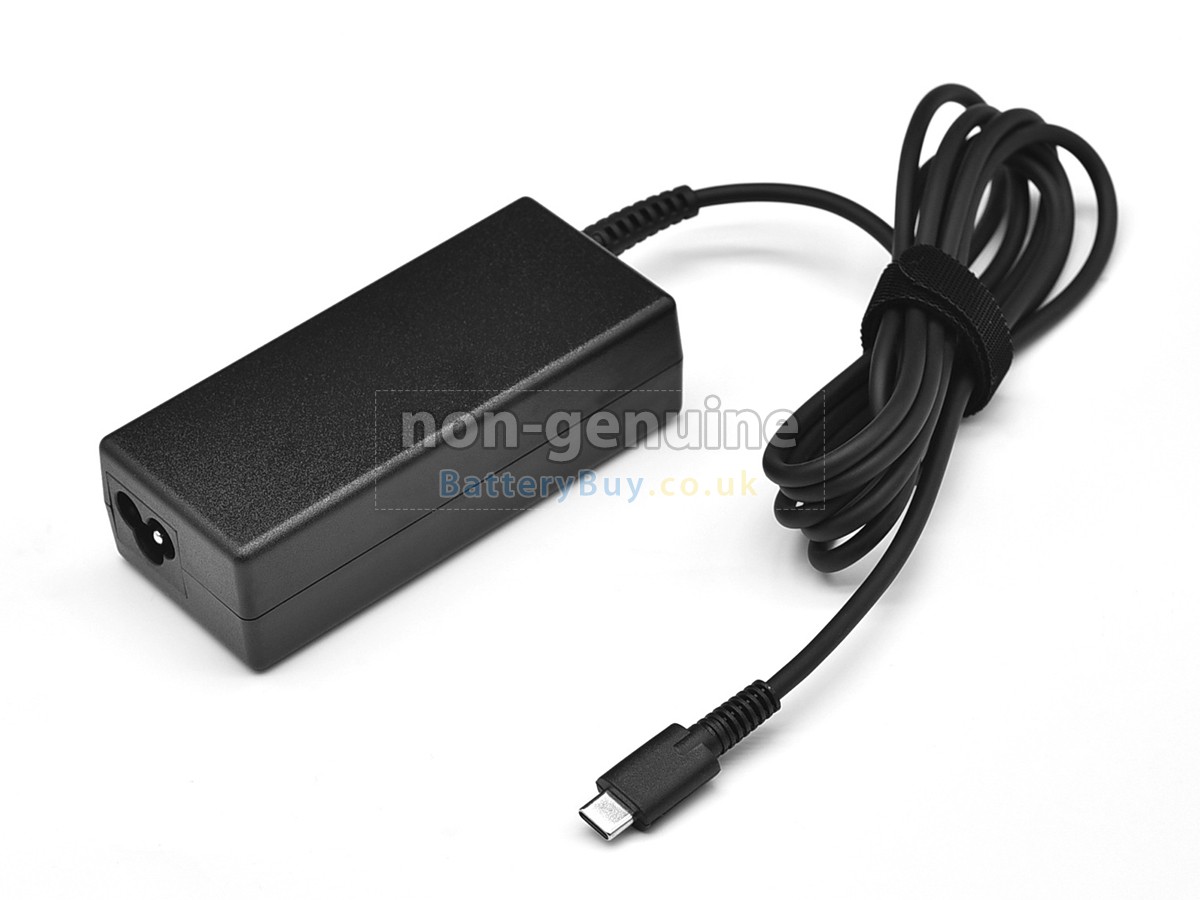
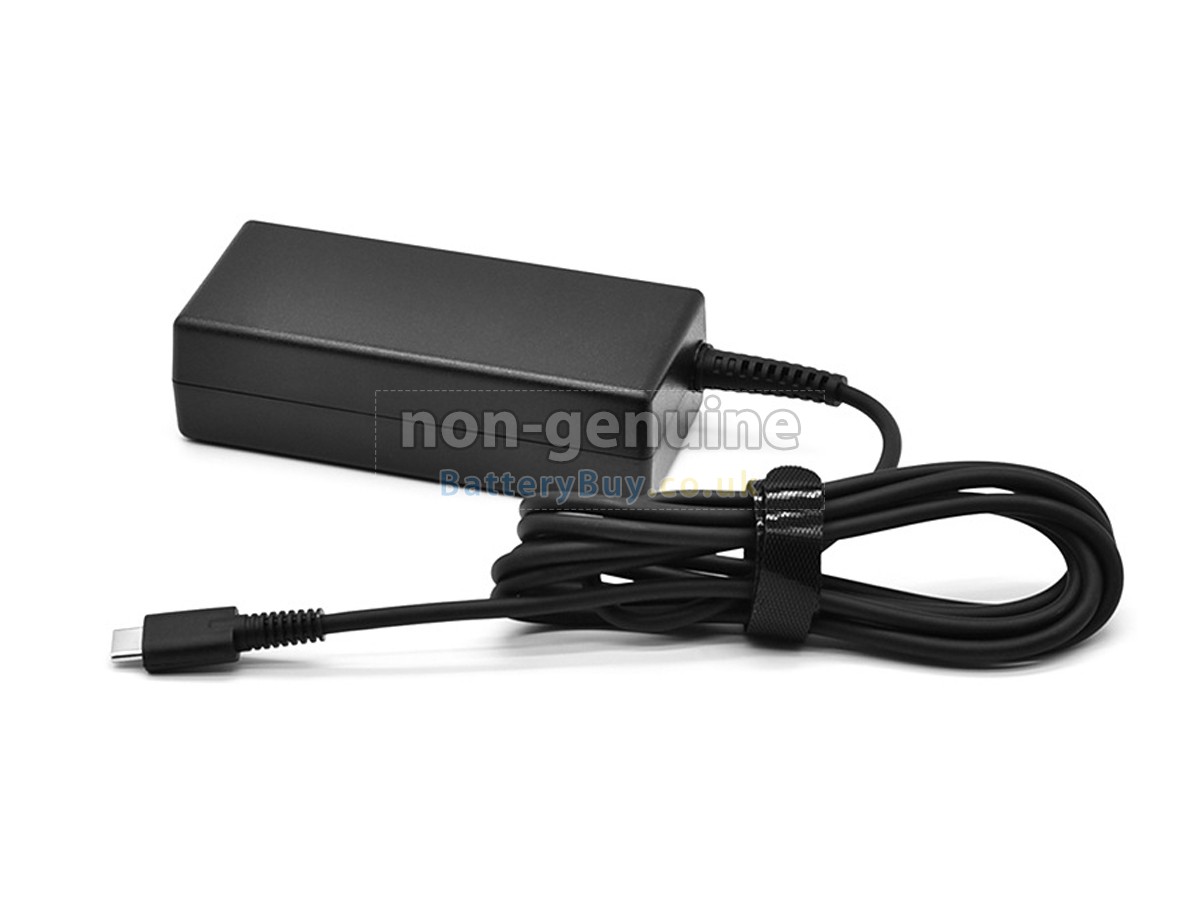
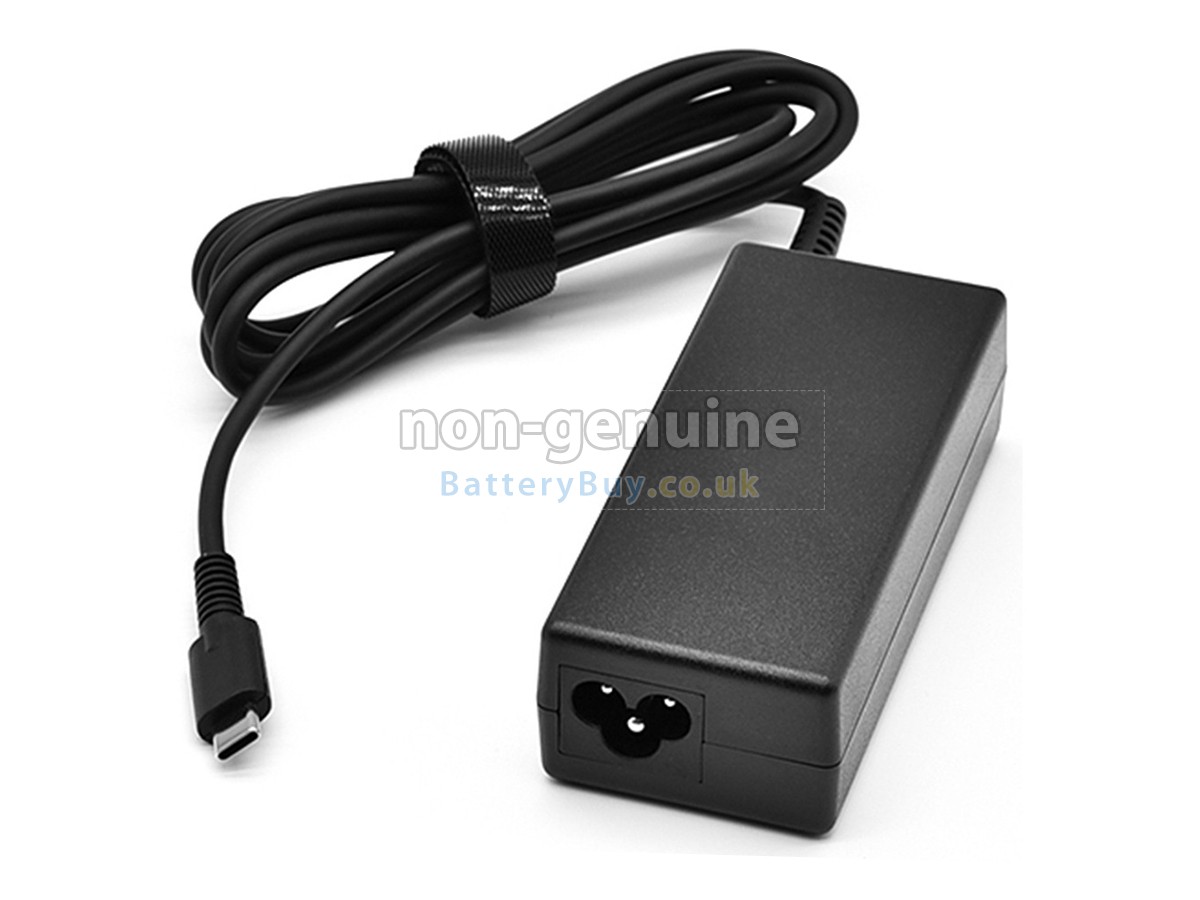

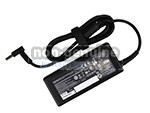
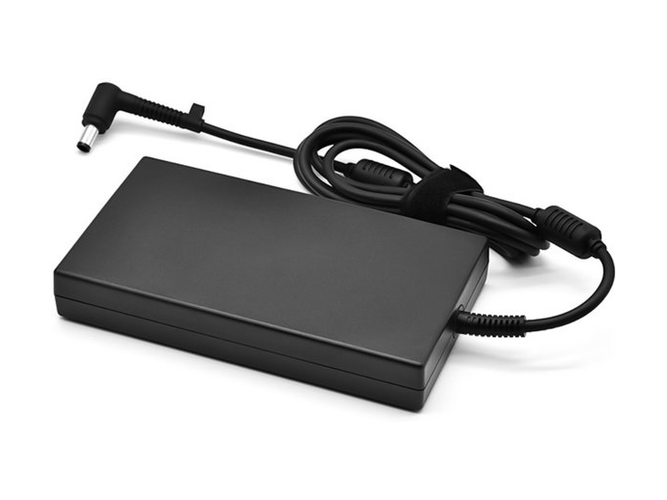
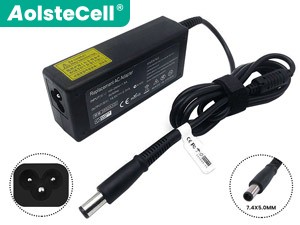
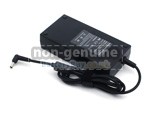
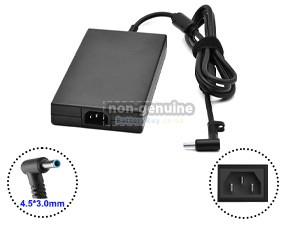
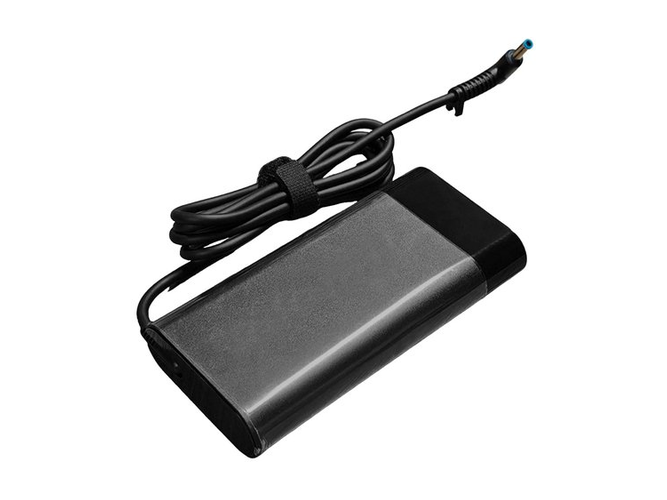
 One adapter model may fit various interfaces. Please ensure your interface shape and size are consistent with the images.
- SKUBBUAD351
- ConditionReplacement, Brand New
- Input100-240V~1.8A 50/60Hz
- OutPut20V-3.25A
- Power65W
- ConnectorUSB-C
- Warranty1 Year
- AvailabilityIn Stock
Power Adapter for HP ELITE X360 1040 14 INCH G11 2-IN-1 (90W)
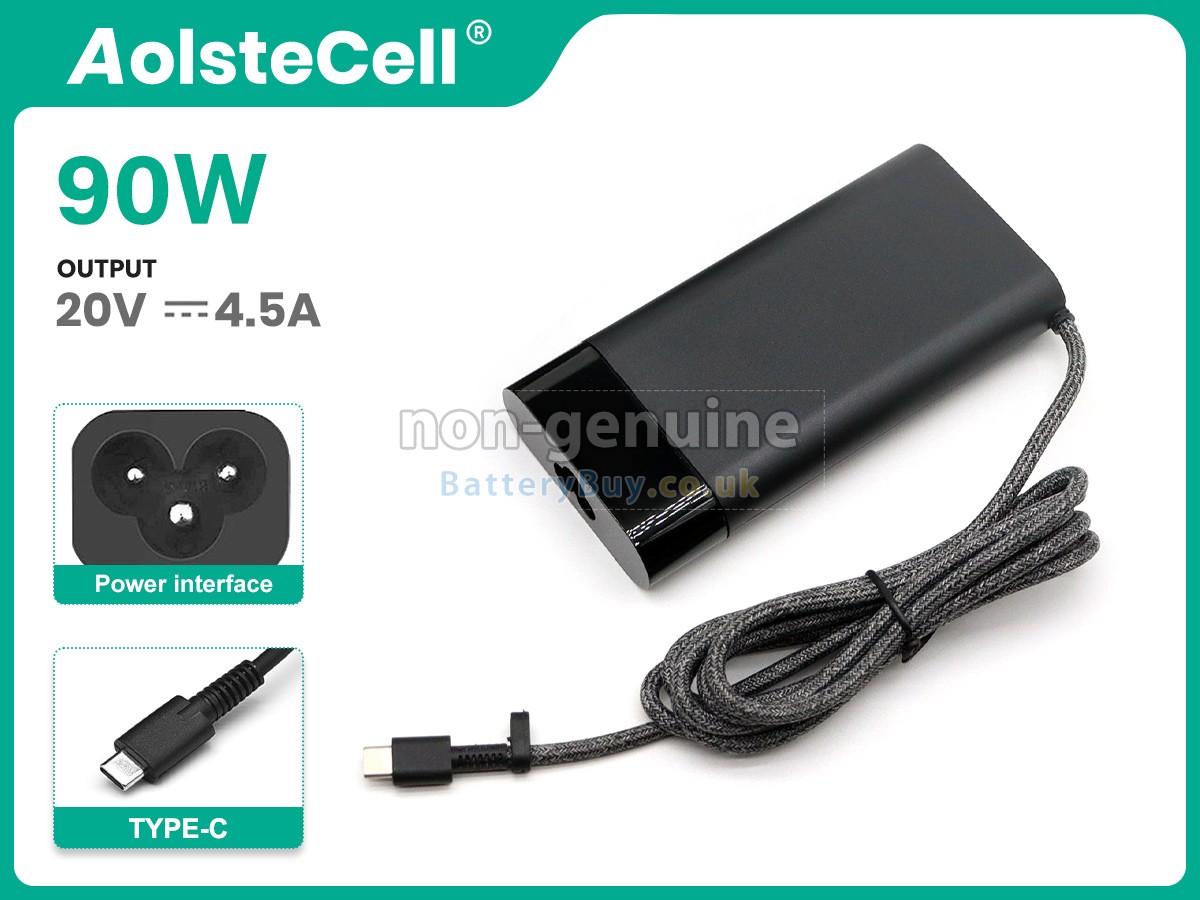
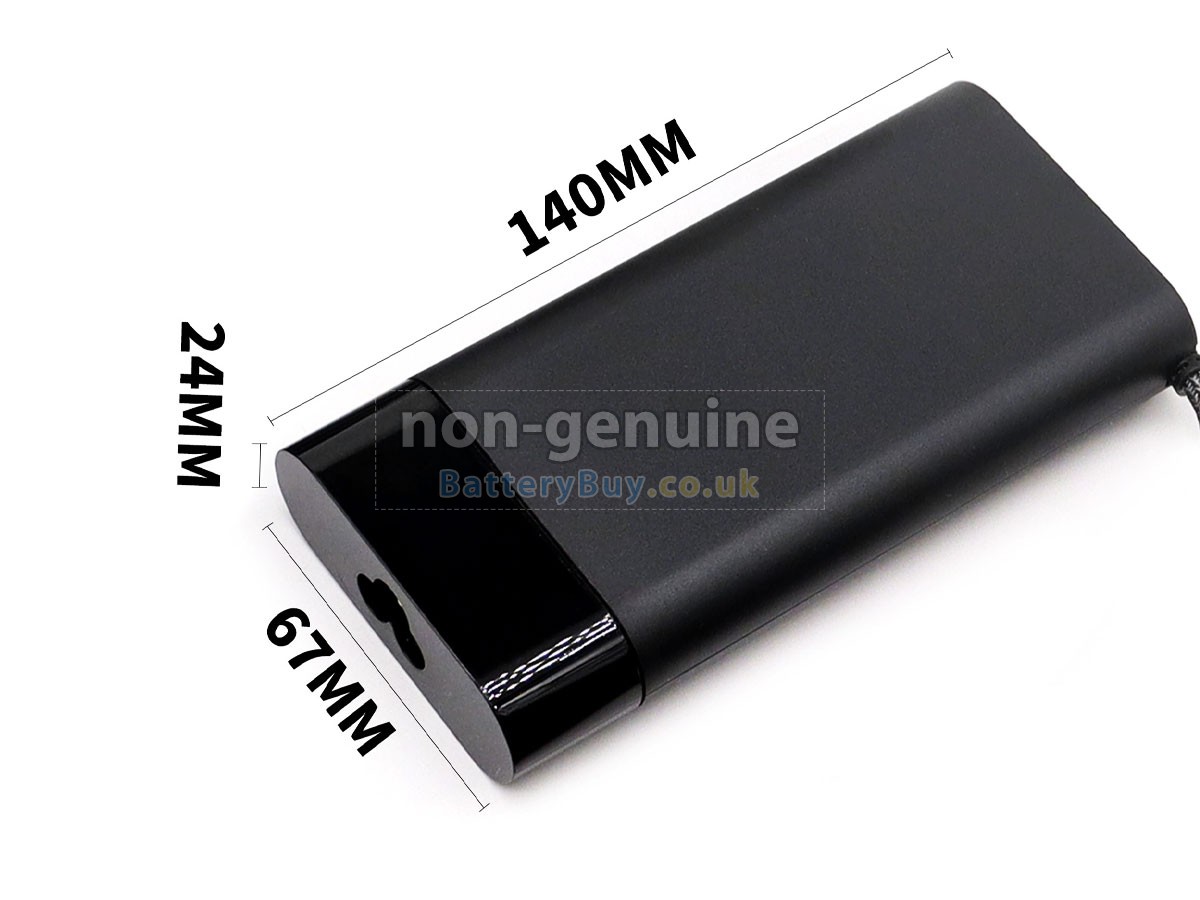
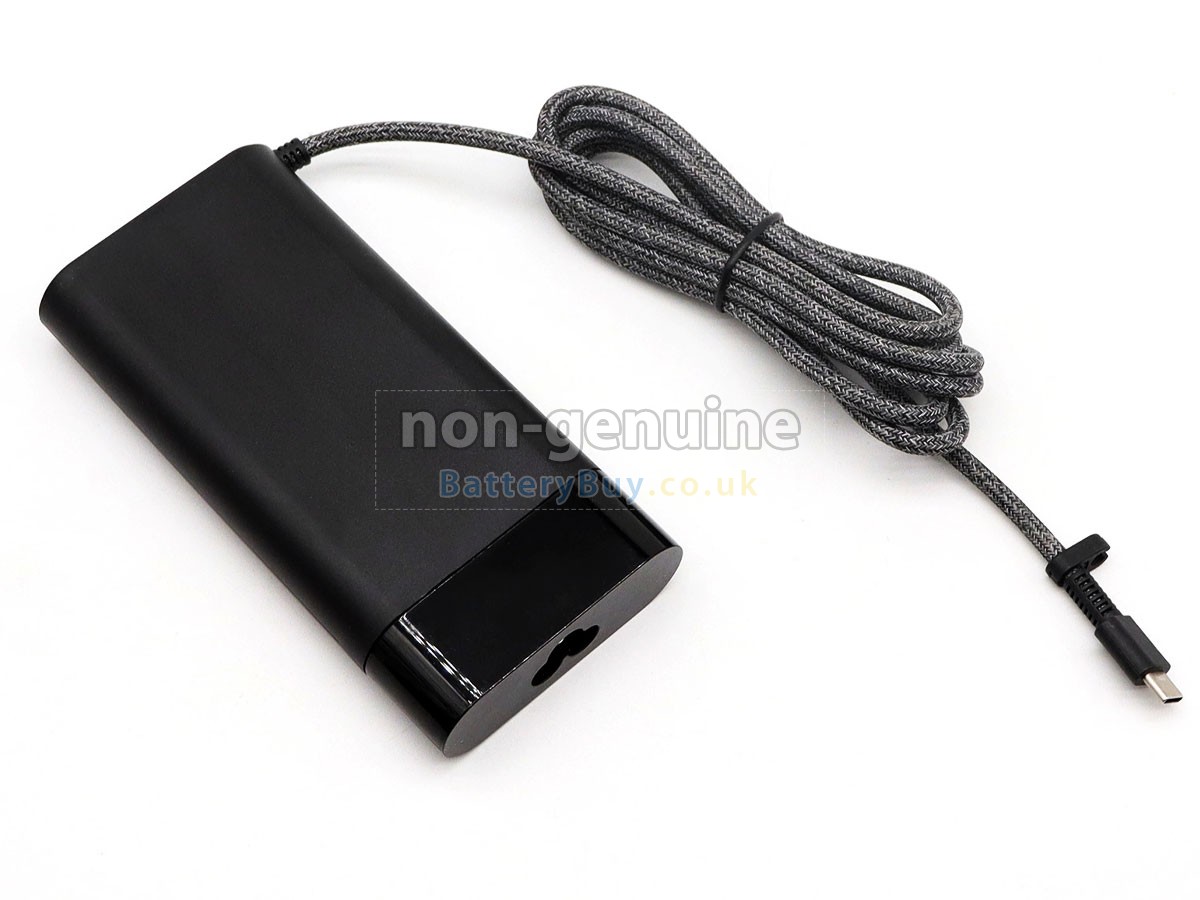
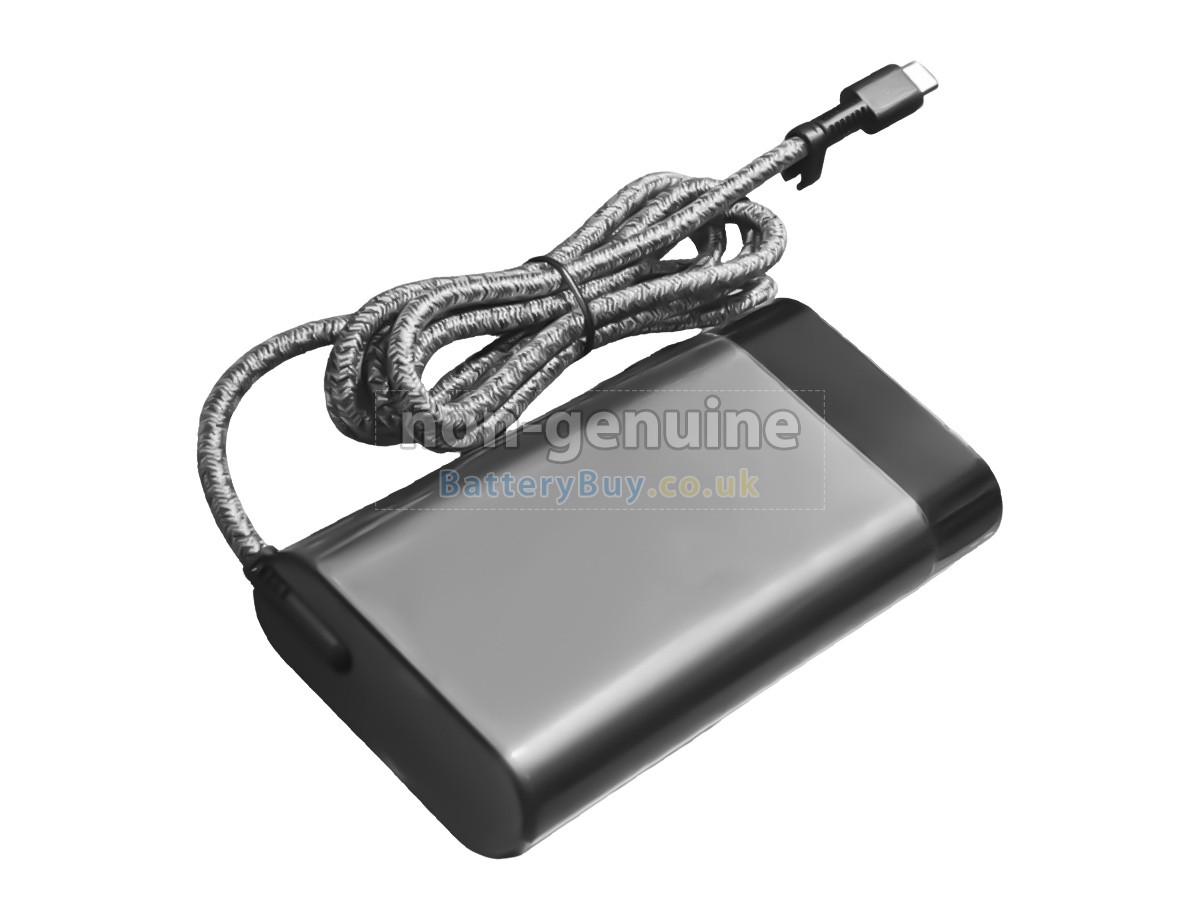 One adapter model may fit various interfaces. Please ensure your interface shape and size are consistent with the images.
- SKUBBUAD398
- ConditionReplacement, Brand New
- Input100-240V~1.1A 50/60Hz
- OutPut20V-4.5A
- Power90W
- ConnectorUSB-C
- Warranty1 Year
- AvailabilityIn Stock
Product Features
High-Efficiency Power Delivery
Restore optimal electrical performance and reliable operation to your hardware with this premium 65W replacement power adapter for HP ELITE X360 1040 14 INCH G11 2-IN-1. Specifically manufactured using advanced power-conversion circuitry and a high-purity copper core, this heavy-duty charger maintains strict linear voltage regulation. It eliminates unexpected power fluctuations and filters out audio/signal ripple noise, making it perfectly suited to protect sensitive motherboards, consumer electronics, and high-fidelity media gear.
- Flexible Structural Configurations: Available in both streamlined desktop split-type designs and space-saving integrated wall-plug formats, allowing you to choose the appropriate style to suit your specific needs.
- UK Standard Plug Deployment: For wall-plug formats, a standard UK 3-pin fused plug is supplied by default for local orders. Continental European customers can easily request a European standard 2-pin plug layout by leaving a simple instruction note in the checkout comment box.
- Certified Multi-Layer Smart Protections: Constructed with flame-retardant heat-resistant housing and built-in protection chipsets, fully validated by UKCA, CE, UL, and RoHS regulatory frameworks for long-term domestic safety.
Every single HP ELITE X360 1040 14 INCH G11 2-IN-1 replacement AC adapter undergoes individual electrical load validation and terminal tolerance checks before secure dispatch from our local hub. Your investment is fully supported by our comprehensive 1-Year Warranty and a 30-Day Money-Back Guarantee policy. To guarantee absolute physical fitment and tip compatibility, our technical support team is readily available to verify connector dimensions prior to checkout.
Why Choose Our HP ELITE X360 1040 14 INCH G11 2-IN-1 Replacement Adapter?
This premium replacement AC adapter is built to meet or exceed original HP technical power parameters. Utilizing robust structural design and high-grade internal components, it ensures stable current output and exceptional durability at an affordable price point.
Original vs BatteryBuy Replacement
| Specification & Service | Original HP Adapter | BatteryBuy Replacement |
|---|---|---|
| Power Output & Fit | OEM Standard | Exact Matching Voltage & Seamless Connector Fit |
| Warranty Duration | Typically 6 Months | 1 Full Year Warranty Protection |
| Procurement Cost | High Branded Markups | £31.55 |
| Current & Noise Control | Standard Filtering | Enhanced Anti-Ripple Signal Stabilisation & Low EMI Design |
| Safety & Quality Check | Batch Audited | 100% Individually Verified under Load Prior to Dispatch |
| Discontinued Model Supply | Phased Out Quickly | Reliable Stock Availability for Discontinued and Legacy Systems |
Compatible HP Adapter Part Numbers
Compatible HP Laptop Models
- Elite x360 1040 14 inch G11 2-in-1
- 90W 20V 4.5A TYPE-C
- Chromebook 14-CA000
- ELITE X2 G8 TABLET
- ELITE X360 1040 14 INCH G10 2-IN-1
- ELITE X360 830 13 INCH G10 2-IN-1
- ELITEBOOK 1040 14 INCH G11
- ELITEBOOK 640 14 INCH G9
- ELITEBOOK 650 15.6 INCH G10
- ELITEBOOK 830 13 INCH G10
- ELITEBOOK 835 G8
- ELITEBOOK 840 14 INCH G9
- ELITEBOOK 845 14 INCH G10
- ELITEBOOK 845 G7
- ELITEBOOK 850 G7
- ELITEBOOK 860 16 INCH G10
- ELITEBOOK 865 16 INCH G11
- ELITEBOOK 865 16 INCH G9
- ELITEBOOK X360 1040 G8
- PAVILION PLUS 14 INCH LAPTOP PC 14-EY1000
- PRO C640 Chromebook
- PRO C645 Chromebook
- PRO MT440 G3 MOBILE THIN CLIENT
- PROBOOK 440 14 INCH G11
- PROBOOK 455 G8
- PROBOOK 460 16 INCH G11
- ZBOOK FIREFLY 14 INCH G10 MOBILE WORKSTATION
- ZBOOK FIREFLY 14 INCH G11 A MOBILE WORKSTATION
- ZHAN 66 PRO 14 G4
Shipping Methods

Payment Methods

Warranty
1-Year Warranty Coverage
Every HP ELITE X360 1040 14 INCH G11 2-IN-1 power adapter is supported by a full 1-year product warranty. This policy applies when the charger is utilized correctly under standard ventilation conditions and operated within default manufacturer electrical specifications.
30-Day Money-Back Guarantee
To ensure your complete peace of mind, we offer a 30-day money-back guarantee in addition to our standard warranty for defects.
Please Note: To qualify for a refund, you must contact our customer support team first to receive official return instructions before sending any products back.
Returns
If you encounter any operational issues with an adapter purchased from us, please contact us immediately. Our team will review your case and attempt to resolve the issue remotely. If the problem cannot be fixed through troubleshooting, we will generate a Return Merchandise Authorization (RMA) number for your case.
Upon receipt and technical inspection of the returned item, if it is confirmed defective, a brand-new replacement charger will be dispatched to you at no additional charge.
Important RMA Notice: We are strictly unable to process, accept, or refund any returned parcels that do not feature a pre-authorised RMA number.
Frequently Asked Questions
- Check the original adapter's specifications: First, locate the information on your device's original adapter, including input voltage (AC voltage), output voltage, output current (or power), and connector type (such as a round DC connector, USB-C, etc.). This information is usually printed on the adapter itself or in the accompanying manual.
- Match the voltage and current/power: Ensure that the replacement adapter has the same output voltage as the original or does not differ by more than 1V. The current (or wattage) can be slightly higher but should not be lower to maintain proper charging and protect the Laptop.
- Check the connector: Verify that the connector type is compatible with your device's charging port.
A: Our adapters for HP ELITE X360 1040 14 INCH G11 2-IN-1 are designed with your safety in mind, offering several protective features, such as:
- Overcurrent protection: Automatically disconnects the power supply when the current exceeds a safe limit, preventing overload.
- Short-circuit protection: Immediately halts the power output if a short circuit is detected, safeguarding your Laptop and the adapter.
- Overvoltage protection: Shields your device from excessive voltage that could cause damage.
- Undervoltage protection: Ensures the adapter does not supply power when the voltage is too low, preventing harm to the Laptop.
- Overheat protection: An intelligent temperature control system monitors heat levels and reduces power or shuts off the adapter if it gets too hot, preventing overheating.
A: As long as the replacement adapter matches your device's specifications, it shouldn't cause any harm. All our adapters undergo rigorous quality checks and safety tests to guarantee that they deliver consistent voltage and current, and comply with international safety regulations.
Best Selling Adapters